The call ends before the work does
A phone conversation can produce promises, follow-up dates, and next steps that disappear when there is nowhere clear to save them.

FyneDesk Voice
Make and receive calls from one browser workspace, capture the outcome and next step, then connect the conversation to the right contact or ticket without making agents repeat their work.
Keep the conversation connected
A phone conversation can produce promises, follow-up dates, and next steps that disappear when there is nowhere clear to save them.
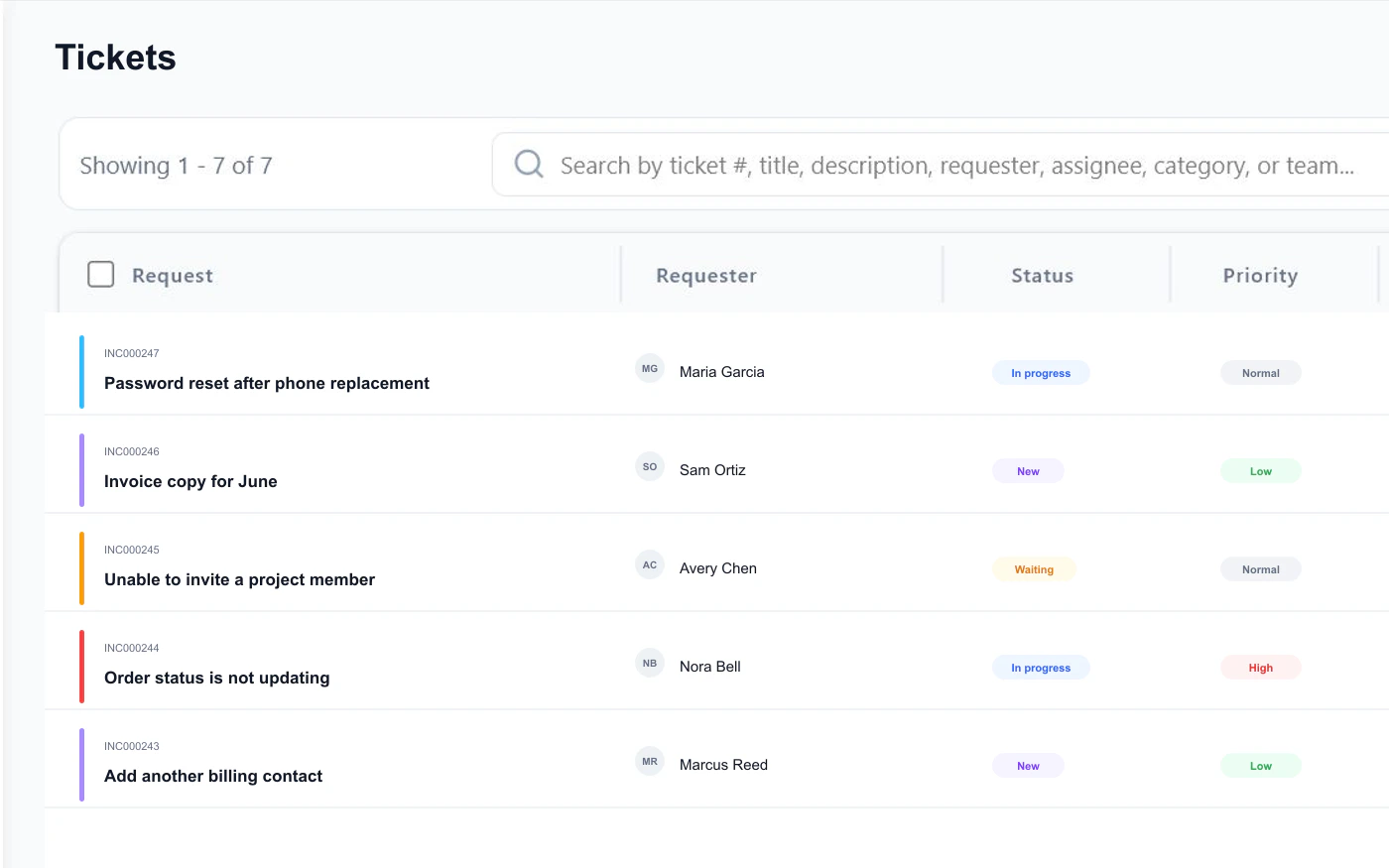
Creating a ticket after a call should not mean retyping the caller, subject, and conversation from scratch.
Teams lose confidence when they cannot test the actual microphone and speaker they plan to use before a customer calls.
Calls that live on the ticket
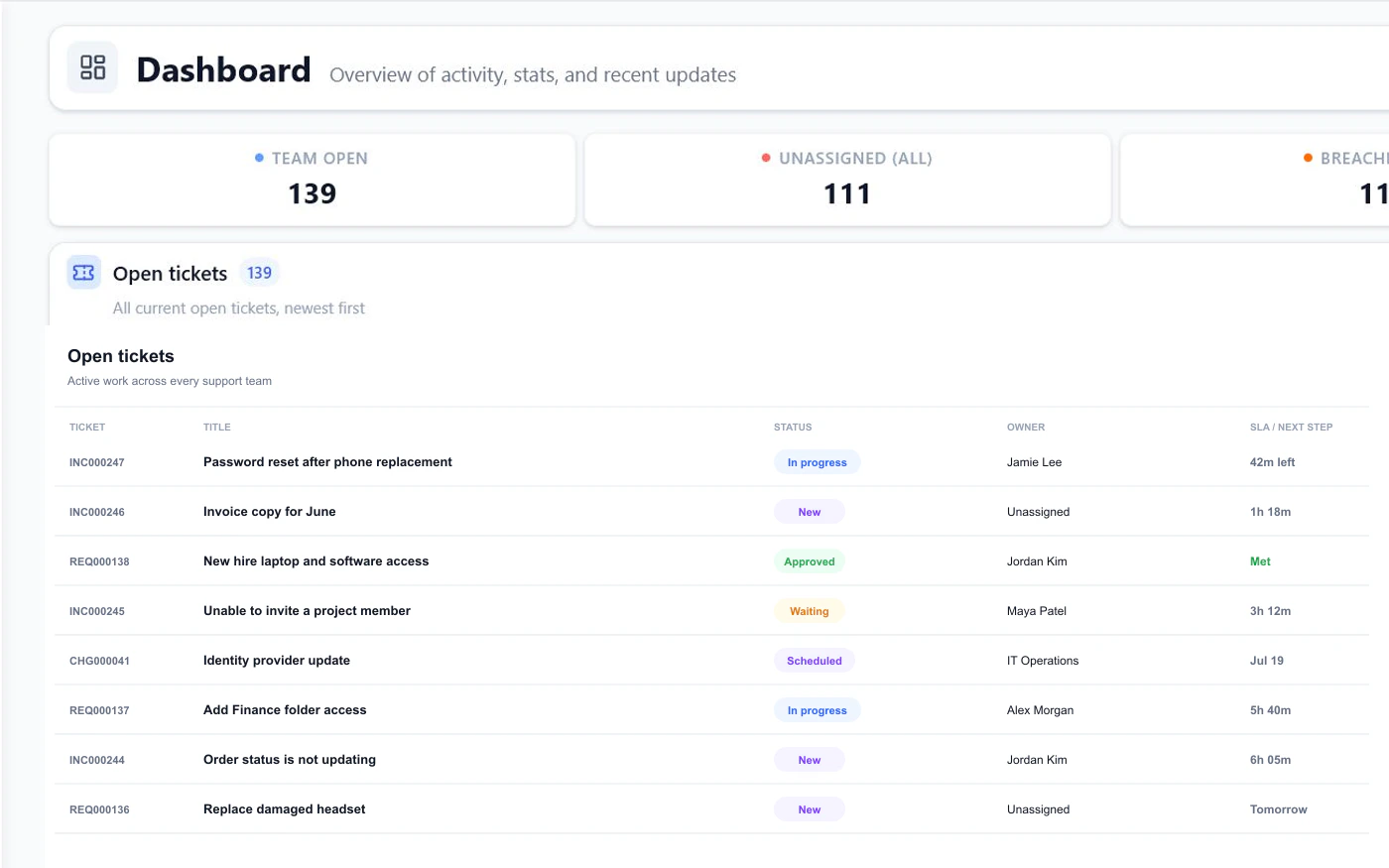
FyneDesk Voice brings calling, outcomes, notes, follow-ups, contacts, tickets, audio setup, and optional recording into one support workflow.
Make and take calls
Agents can set availability, search recent calls, dial a contact or number, and open the exact record they need without leaving FyneDesk.
Wrap up with context
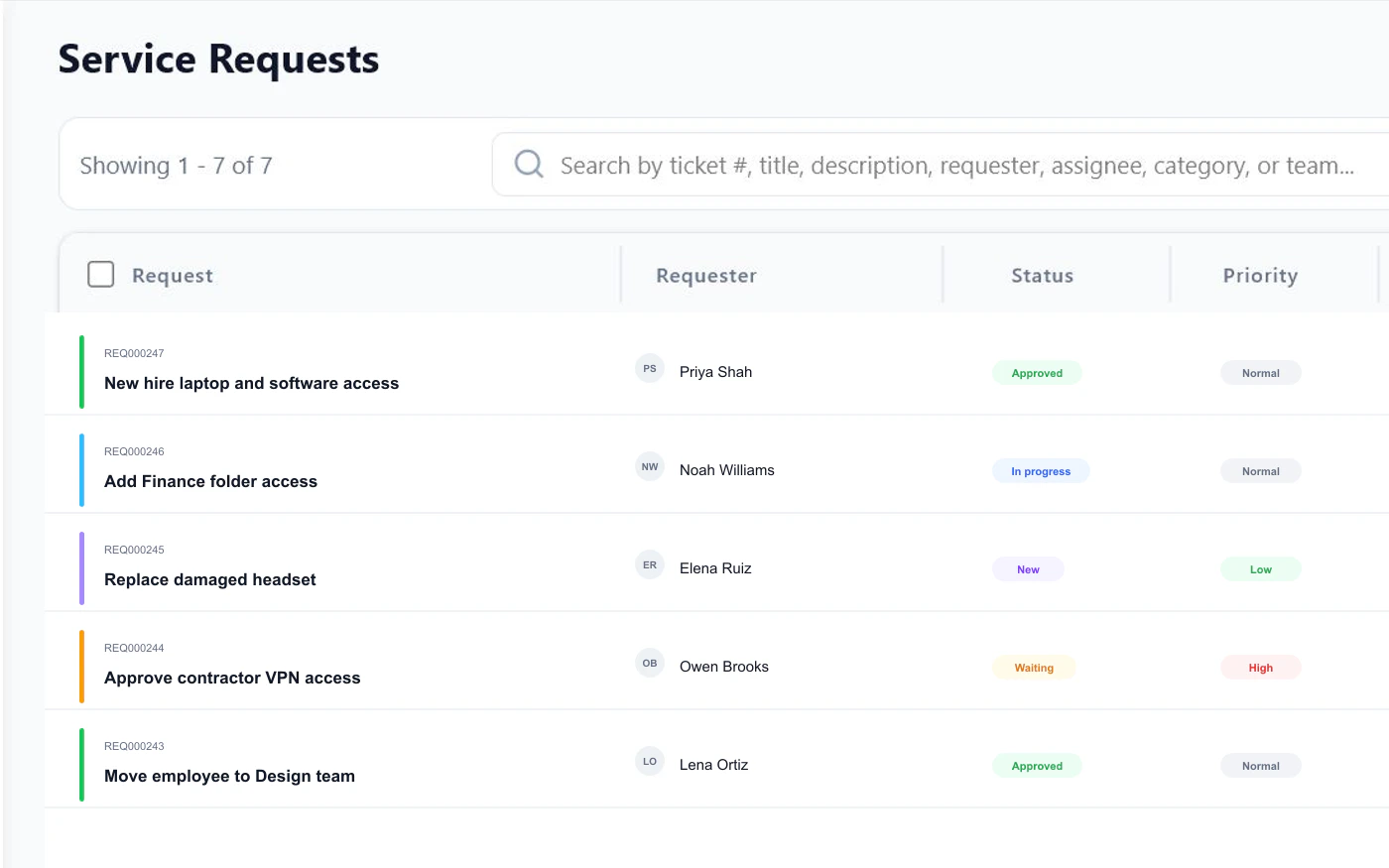
Each call can keep its own outcome, title, notes, contact, and follow-up date. When the conversation becomes support work, agents can link a ticket or create one with the call context already prepared.
Call with confidence
Agents can test microphone and speaker separately, change devices while testing, and spot mute or silence problems before a call. Connect the company Twilio account while your organization keeps control of its number and recording policy.
Verified product scope
Voice costs $15 per voice-enabled agent each month on Pro, Business, and Enterprise arrangements. Twilio bills call minutes, phone numbers, and recording storage directly to your own Twilio account.
Compare plansFrequently asked questions
No. Calls run in the desktop browser. You connect your own Twilio account for the phone number and call usage.
Voice is $15 per month for each agent assigned a voice seat, on top of the FyneDesk plan. Twilio bills call minutes, phone numbers, and recording storage directly, typically at low usage rates.
Voice is a paid add-on for Pro, Business, and Enterprise arrangements. It is not available on Free.
No. A call can keep its own outcome, title, notes, contact, and follow-up date. An agent can link an existing ticket or create a new one only when the conversation needs tracked work.
When an agent creates a ticket from the call, FyneDesk can use a phone contact for that number so the ticket has a requester and future calls are easier to recognize.
Yes. The Phone workspace provides separate microphone and speaker tests, supports changing devices while testing, and can warn when a microphone reports that it is muted or has no useful signal.
Recording is optional and off by default. When an administrator enables it, callers hear a consent announcement and the recording attaches to the ticket. Administrators choose the recording policy and retention period.
Yes. You bring your own Twilio account and number.
Bring calls into the workspace
Add Voice for $15 per voice-enabled agent each month. Bring your own Twilio number, keep usage billing direct, and give every conversation a useful next step.
$15 per voice-enabled agent each month. Twilio usage is billed separately by Twilio.