Give every employee request
a clear owner and next step.
Route HR, Finance, IT, Facilities, and Operations requests into the right team with status, history, and scoped visibility. Pro adds the employee portal and agent-reviewed AI Autopilot; Business adds governed approvals and eligible Auto Resolve.
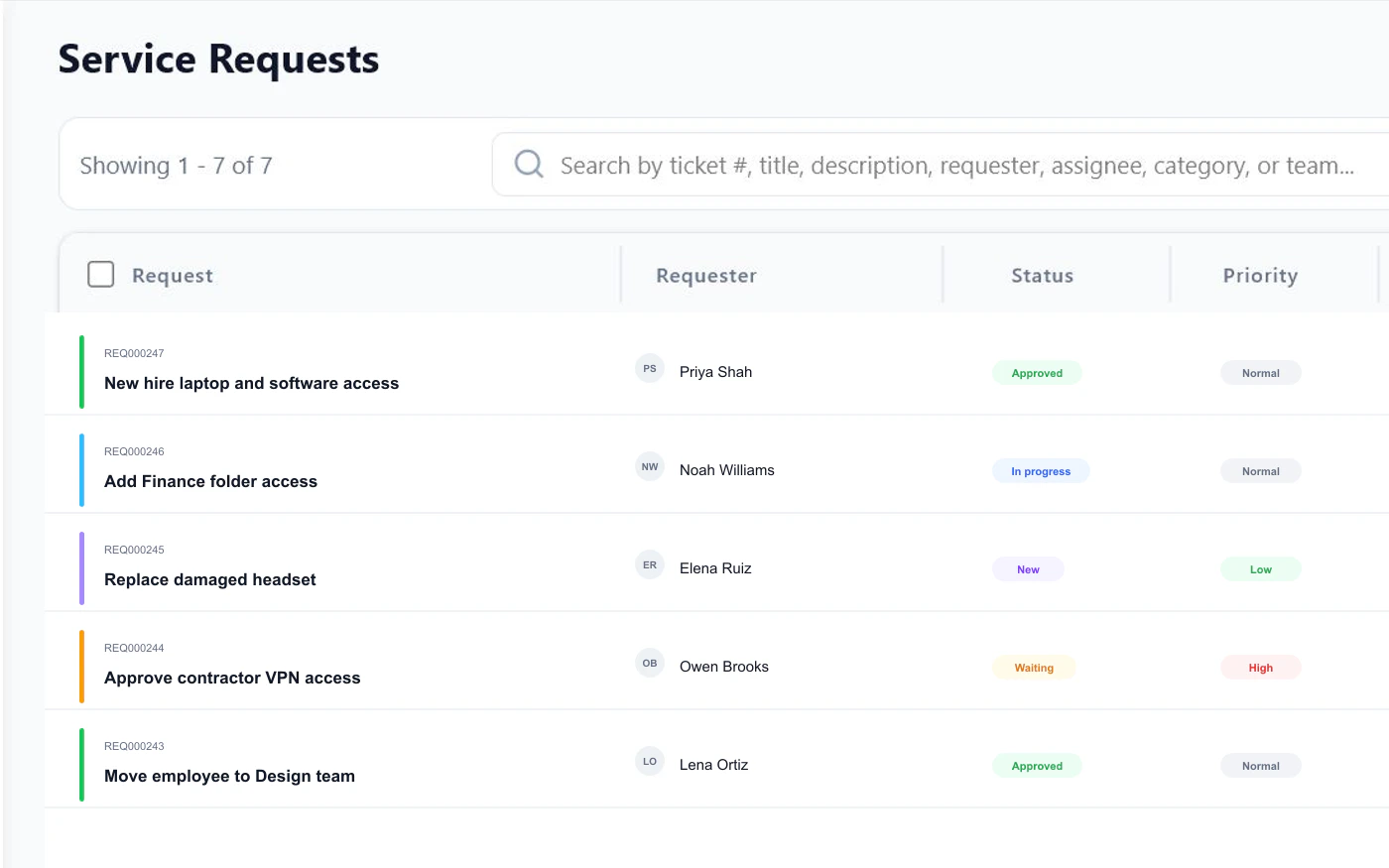
Employee request
New hire laptop and access
Queue
FyneDesk checks approved HR, Finance, and IT articles before departments reply.
Sound familiar?
An employee asks HR about their benefits. It sits in a shared inbox. Two weeks later they ask again because nobody responded.
How many onboarding requests is HR handling this month? How many facility issues are open? Nobody knows because nothing is tracked.
New hires email random people. Requests bounce between departments. Employees get frustrated waiting for answers nobody owns.
"How do I submit an expense report?" "What is the PTO policy?" Your team answers the same things over and over instead of pointing people to one source of truth.
Benefits questions, access requests, and basic policy checks pull HR, Finance, and IT away from higher-value work. Pro AI Autopilot drafts from internal articles; Business Auto Resolve can close confident repeats.
What changes with FyneDesk
Every employee request from every department lands in one place. Each one gets an owner, a status, and a history. Expanded RBAC keeps HR, Finance, IT, and Operations access clean, while Business workflow and workforce management help teams handle approvals, schedules, and capacity.
Five features built for internal service teams
Employee Request Intake
Employees send benefits questions, expense issues, laptop requests, and facility needs to your FyneDesk support address. Each message becomes a tracked internal request with owner, status, priority, and history.
Department Routing
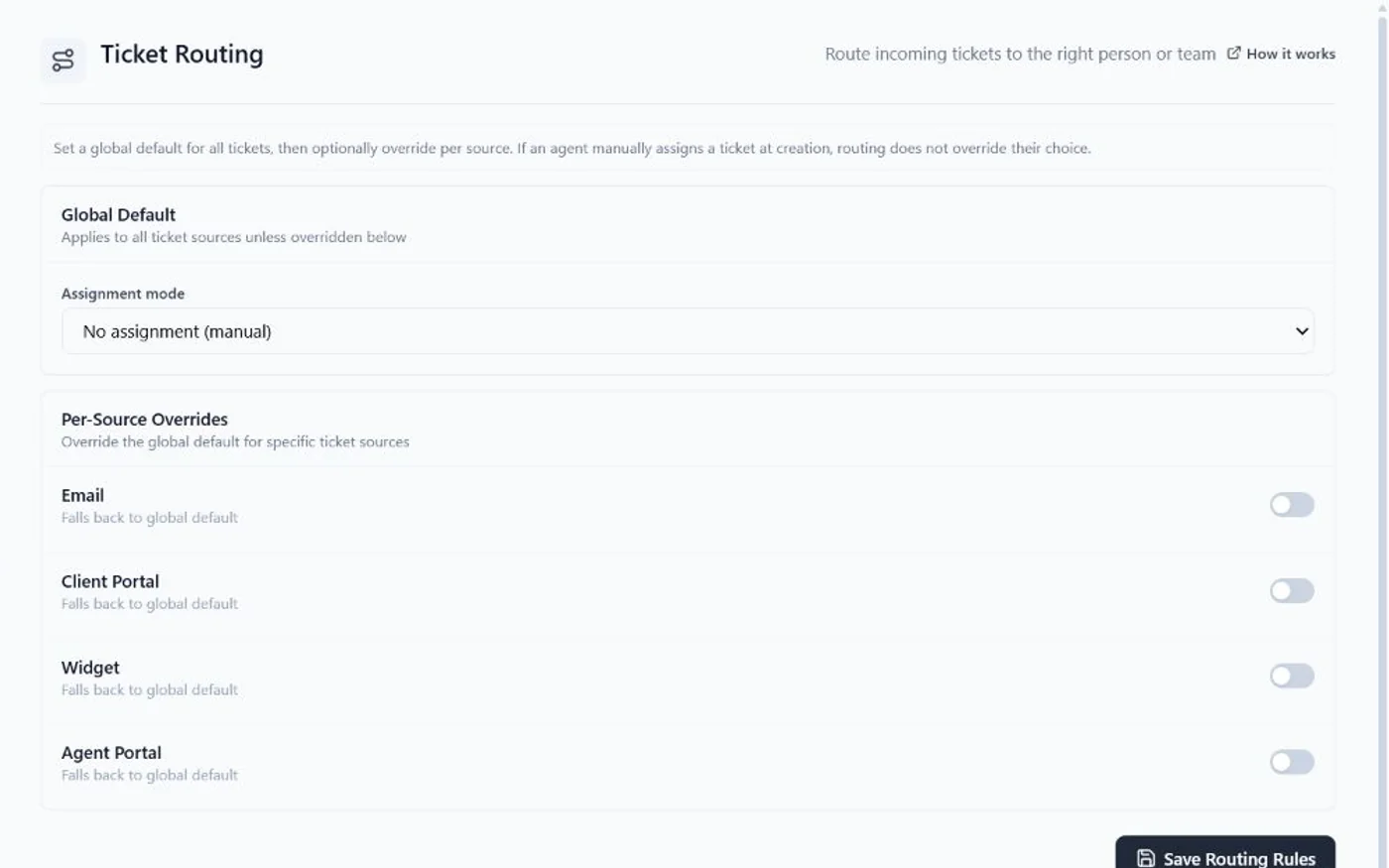
Send onboarding and benefits requests to HR, expense questions to Finance, equipment and access requests to IT, and facility issues to Operations without manually forwarding emails.
(Pro)
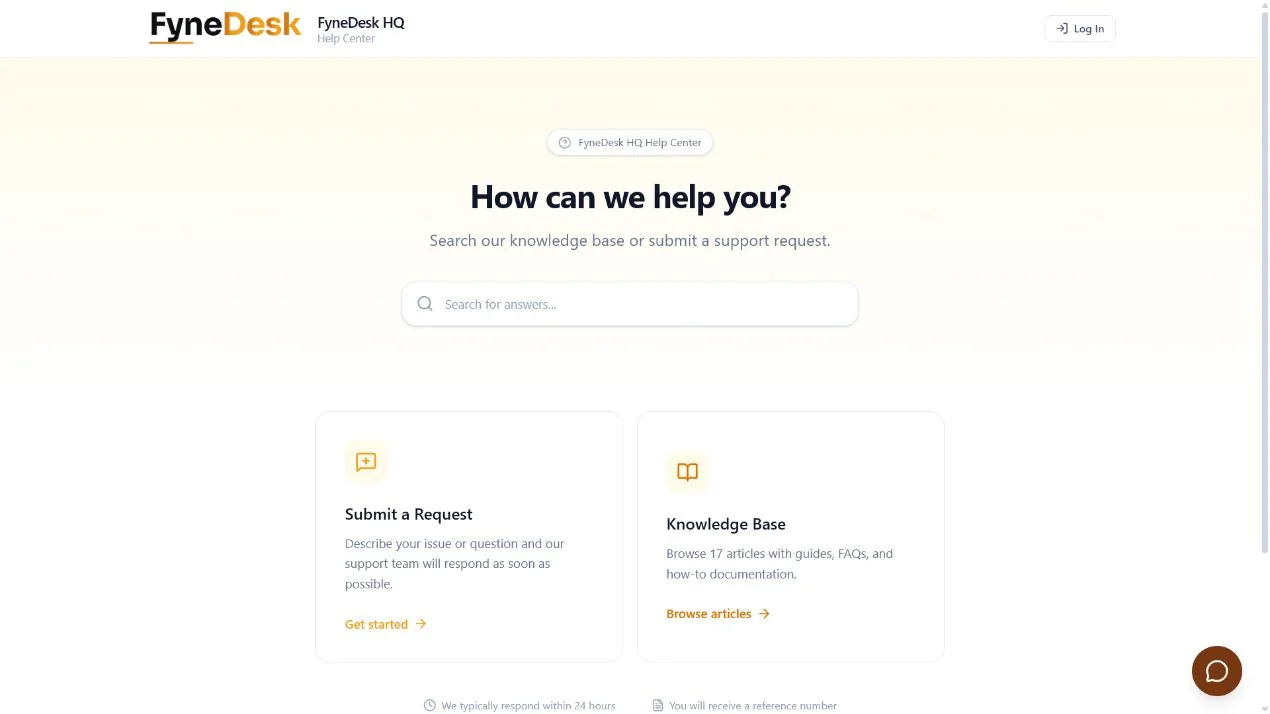
The Client Portal starts on Pro.
Policy-Aware AI Drafts
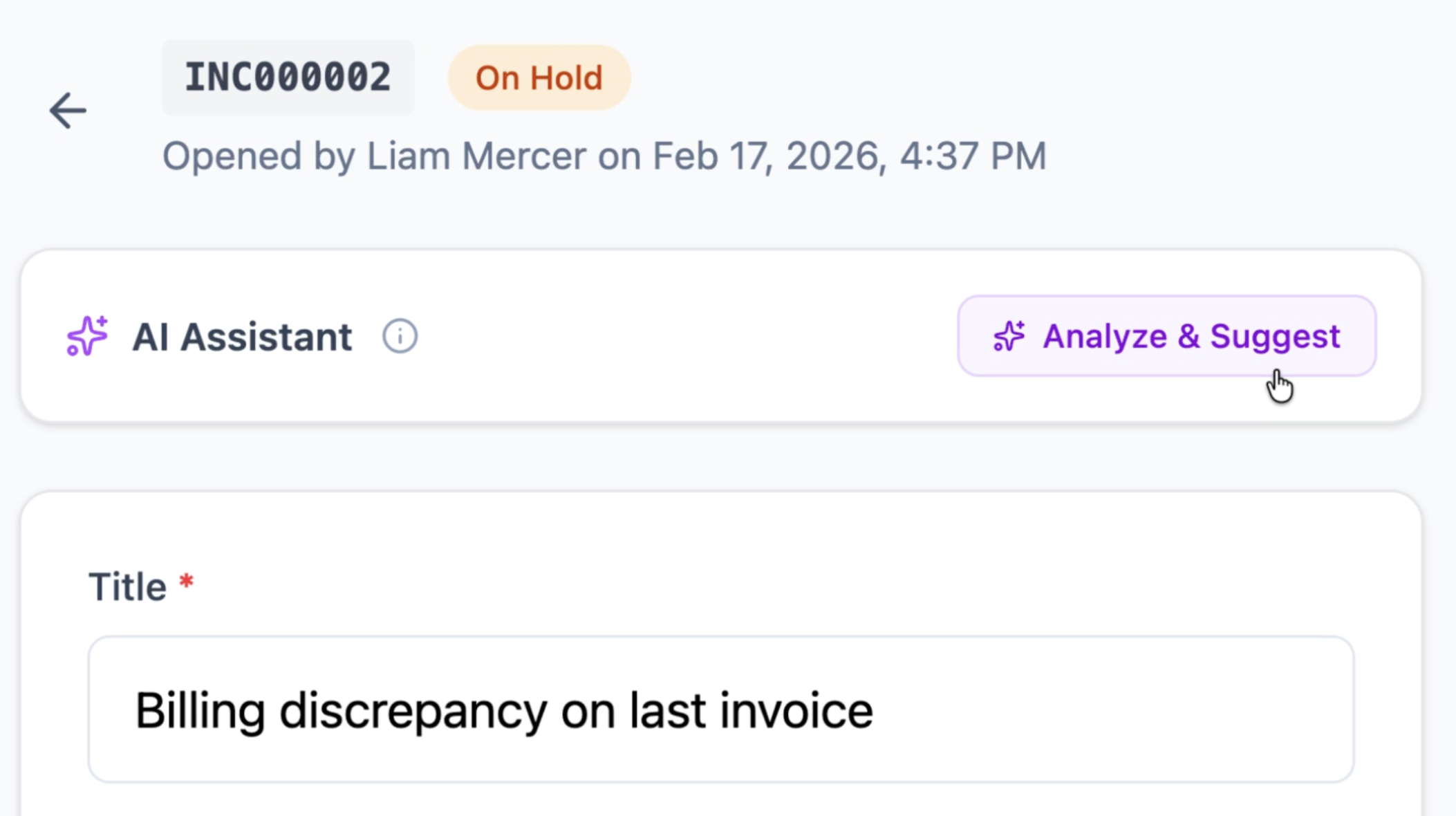
AI reads each request and suggests which department should handle it, drafts a response based on your internal policies, and summarises long email threads so your team gets context instantly.
Internal Policy Library
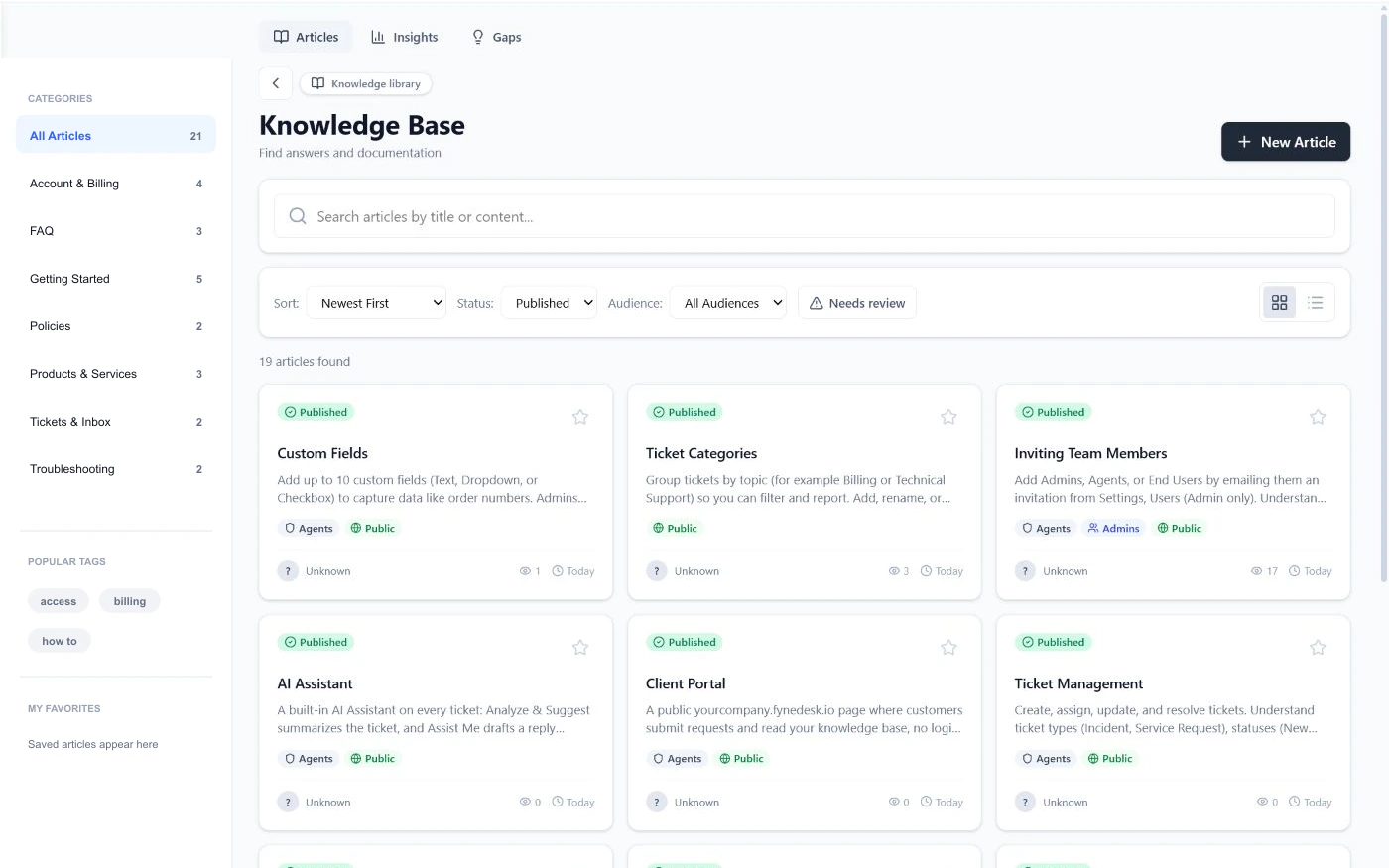
Document PTO, benefits, expenses, onboarding, access steps, and office procedures. AI uses approved internal articles plus past resolved requests so answers stay accurate and department-specific.
How it works
Requests come in
Employees email a department address, submit a form on the portal, or use the website widget. Every request gets a number, a priority, and an owner in the right department.
AI and routing handle triage
Routing rules send requests to the right department and person. AI summarises the request and drafts a response based on your internal policies so your team responds faster.
Self-service keeps answers and status visible
Employees check their own status and search internal help articles on the portal. Your dashboard shows open requests across all departments, handling times, and workload distribution.
Frequently asked questions
What is employee service software?
Employee service software is a platform that helps internal departments like HR, Finance, IT, and Operations receive, organise, and handle employee requests in a structured system instead of scattered emails and chat messages. Every request gets a number, an owner, and a status.
Can multiple departments use FyneDesk?
Yes. You can set up separate teams for each department (HR, Finance, Facilities, IT, Legal, Operations) with their own email addresses, routing rules, and knowledge base articles. Requests go to the right place without manual sorting.
Can employees track their own requests?
The Client Portal starts on Pro.
Is FyneDesk secure enough for internal data?
FyneDesk uses row-level security to isolate organization data, encrypts data in transit and at rest, and runs on infrastructure covered by SOC 2 Type II reports. Review the Security and Privacy page and discuss any department-specific requirements before rollout.
Is there a free plan for internal teams?
Yes. FyneDesk has a Free plan that includes ticket management, email-to-ticket, knowledge base, and AI assistance. See pricing The Client Portal starts on Pro.
Does the AI cost extra?
There is no separate per-agent AI add-on. AI drafting starts on Free, Pro adds AI Autopilot for agent-reviewed responses, and Business can use Auto Resolve for confident routine requests.
Give every department a proper way to handle requests
Sign up in under a minute. Every employee request tracked. Every department organised. Every answer in one place.
Free plan available.